Free Windows Tools Filipino Students Can Use for School Projects and Presentations
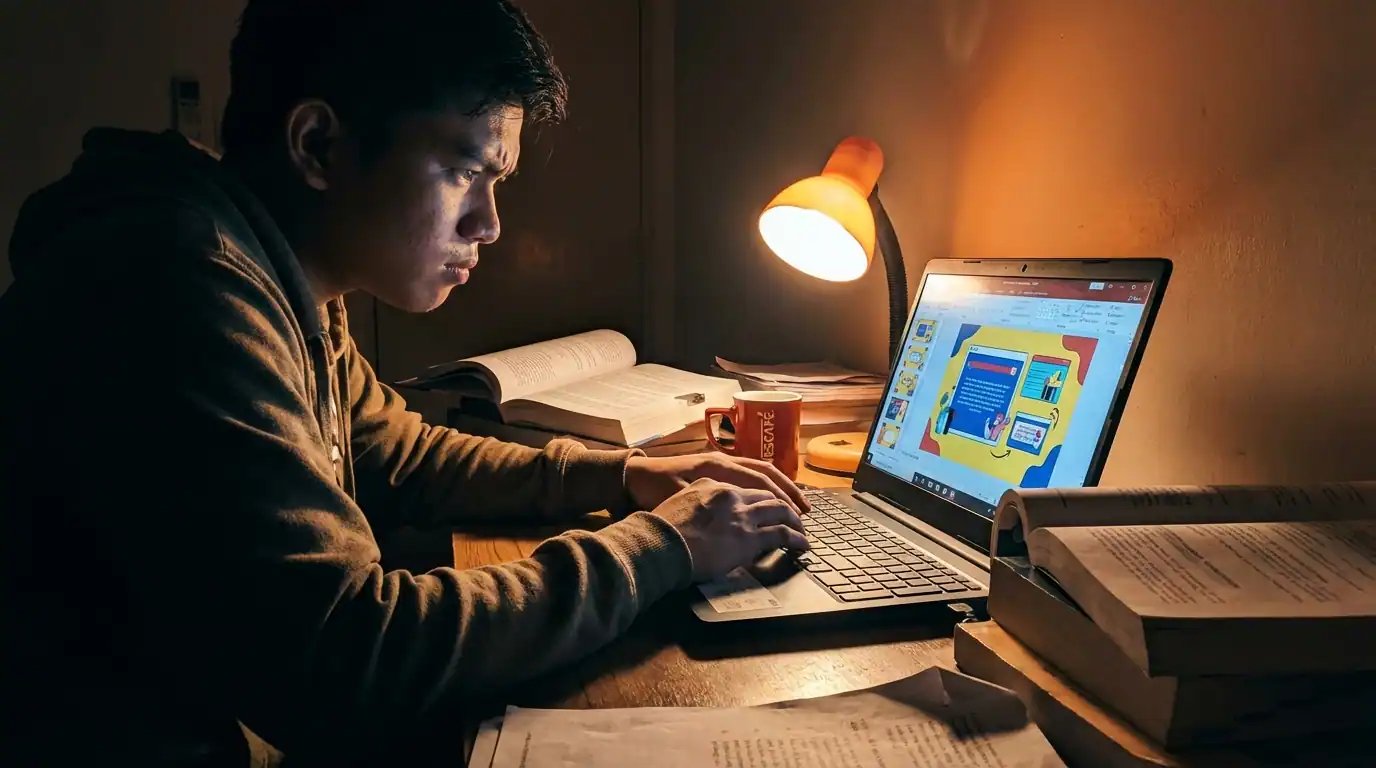
It is 11 pm. Your major project is due at 8 am. You are clicking through your fourth sketchy download site, each one hiding the actual file behind three pop-up ads and a fake “Download Now” button. Your antivirus is already panicking. Two apps asked for a credit card. One installed a toolbar you definitely did not want.
You close the laptop. You give up.
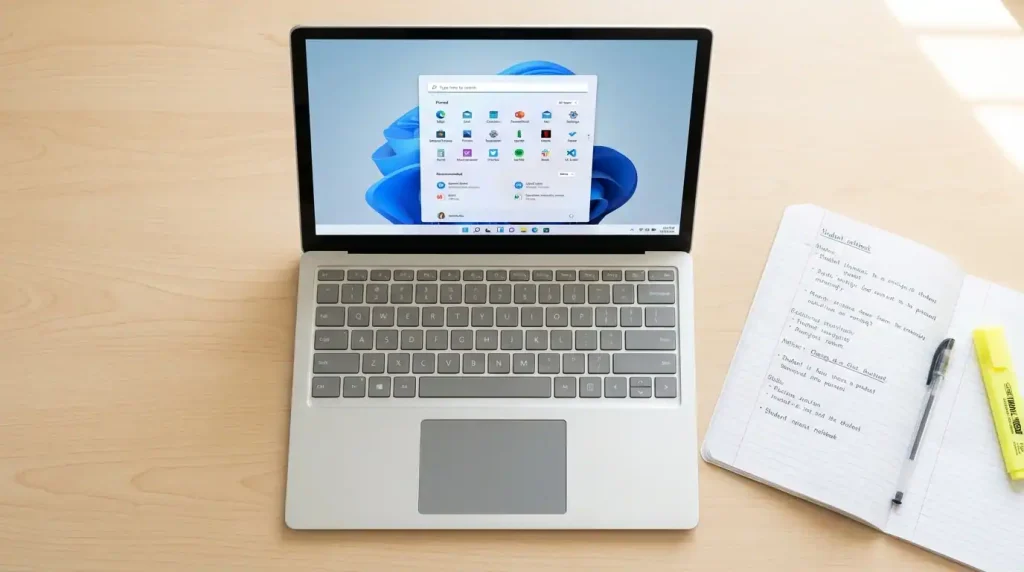
Here is what nobody told you: every tool you needed was already on your laptop. You did not need to download a single thing.
Why most students never use these tools
You have probably opened your Start menu a hundred times and walked right past six apps that could have saved you money this semester. Most Filipino students do the same thing. It is not laziness. Nobody ever told them what was already there.
Here is why these tools stay invisible:
- No one teaches it. Schools give you a syllabus. Nobody hands you a guide to what your Windows laptop already has.
- Paid apps look more legit. If something costs money, students assume it must be better. Marketing works.
- Habit wins every time. You open the apps you already know. Everything else stays buried.
- Lab software is different. You build your habits in the computer lab. You assume that is the only way.
Four years of college spent paying for software you already owned is real money. That stops today.
The next section covers every tool worth knowing, written in plain language so you can actually use them this week.
The best free Windows tools for school projects
These tools made the list because they are genuinely useful for Filipino students’ requirements. No filler. No apps that sound impressive but crash when you need them most. Every single one is free and available on most Windows laptops right now.
Microsoft Word
The best free writing tool for any school requirement. Most students only use it to type. The real features are hiding in plain sight.
- Auto-generates your Table of Contents using Heading styles
- Built-in citation tool for APA and MLA formatting
- Replaces: Google Docs Pro, Grammarly paid
- Find it: search “Word” in the Windows search bar
The citation tool alone can save you an hour on every research paper.
Microsoft PowerPoint
You have probably downloaded three different apps for your presentation when PowerPoint was already sitting there the whole time. The Designer feature builds clean layouts for you automatically.
- The designer suggests layouts when you paste content
- Slide Master sets one design for the whole deck
- Replaces: Canva Pro, Google Slides paid
- Find it: search “PowerPoint” in the Windows search bar
The citation tool alone can save you an hour on every research paper.
Microsoft OneNote
A free digital notebook that does what a physical notebook cannot. Organize notes by subject, embed images and files, and sync across your phone and laptop with your school Microsoft account.
- Create separate notebooks for each subject
- Embed files, images, and web clippings directly
- Replaces: Notion paid, Evernote paid
- Find it: search “OneNote” in the Windows search bar
Set up one notebook per subject before the semester starts. You will feel the difference by Week 3.
Paint 3D
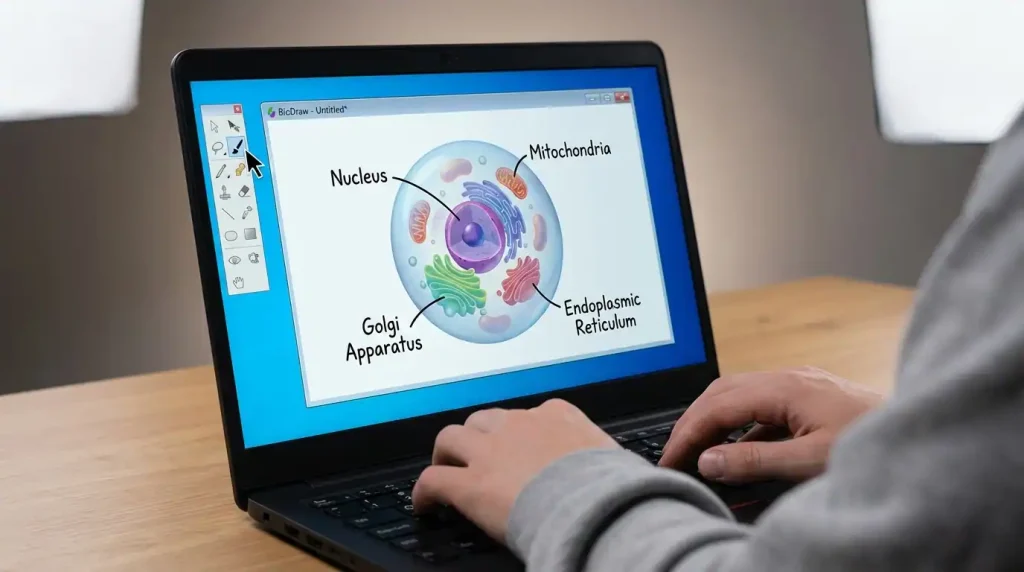
This is not the old MS Paint. Paint 3D builds actual 3D models, mixes 2D and 3D elements, and exports clean image files ready for your report or presentation. Perfect for science diagrams, geography models, and biology illustrations.
- Create and rotate 3D objects from scratch
- Pre-made Stickers library to speed up projects
- Export as PNG straight into Word or PowerPoint
- Replaces: SketchUp, Adobe Illustrator
- Find it: search “Paint 3D” in the Windows search bar
Marielle, a biology student from Pampanga, built her entire cell structure diagram in Paint 3D in 40 minutes. She had spent two days looking for a free app online.
Snipping Tool
Most students only use this for basic screenshots. Almost nobody knows it also records your screen for free, making it perfect for tutorial-style requirements and research documentation.
- Screen record any portion of your display
- Capture online sources as visual evidence for reports
- Replaces: Loom paid, Snagit
- Find it: press Windows + Shift + S
A screenshot of your source is worth a paragraph of description in any research report.
Clipchamp
A free video editor built into Windows 11. Handles trimming, text overlays, transitions, and basic color fixes. Not Adobe Premiere, but for most student video requirements, it is more than enough.
- Free templates you can adapt for class projects
- Add subtitles and captions in minutes
- Replaces: Adobe Premiere, CapCut Pro
- Find it: search “Clipchamp” in the Windows search bar
If your requirement needs a clean, edited video with titles and transitions, Clipchamp gets it done for zero pesos.
Notepad
Opens in under a second. No autocorrect. No ribbon of buttons you did not ask for. Use it when you need to think without a full word processor getting in the way.
- Tab system in Windows 11 for multiple open documents
- Perfect for code notes and plain text submissions
- Find it: search “Notepad” in the Windows search bar
Sometimes the fastest tool is the simplest one.
How these tools work together for one school project
The best student outputs rarely come from one tool working alone. That panic when your group mate says the report is due tomorrow and you have no diagram, no citations, and no slides yet? That is exactly when knowing your workflow saves you.
Here is how one complete research presentation comes together using only free Windows tools:
- OneNote
- Gather and organize your research notes, group contributions, and source links in one notebook
- Microsoft Word
- Write and format your written report with auto-generated citations and a proper Table of Contents
- Paint 3D
- Create diagrams, models, or visual aids your report needs, then export as PNG to drop into Word
- Snipping Tool
- Capture any online graphs or sources you need as visual evidence or reference images
- PowerPoint
- Build your final slide deck using Designer to keep everything looking clean and consistent
- Clipchamp
- Add a video component or recorded narration if your submission requires a multimedia output

Take Andrei, an environmental science student from Quezon City. He had a research presentation worth thirty percent of his final grade. He spent the first week convinced he needed a paid design tool. His older cousin sat with him for one afternoon and walked him through this exact workflow using only what was already on his laptop.
Andrei finished two days early. He submitted a written report with proper citations, 3D diagrams he built himself, and a polished slide deck.
A complete toolkit does not have to cost anything when you know what you already have.
How to check and set up these tools right now
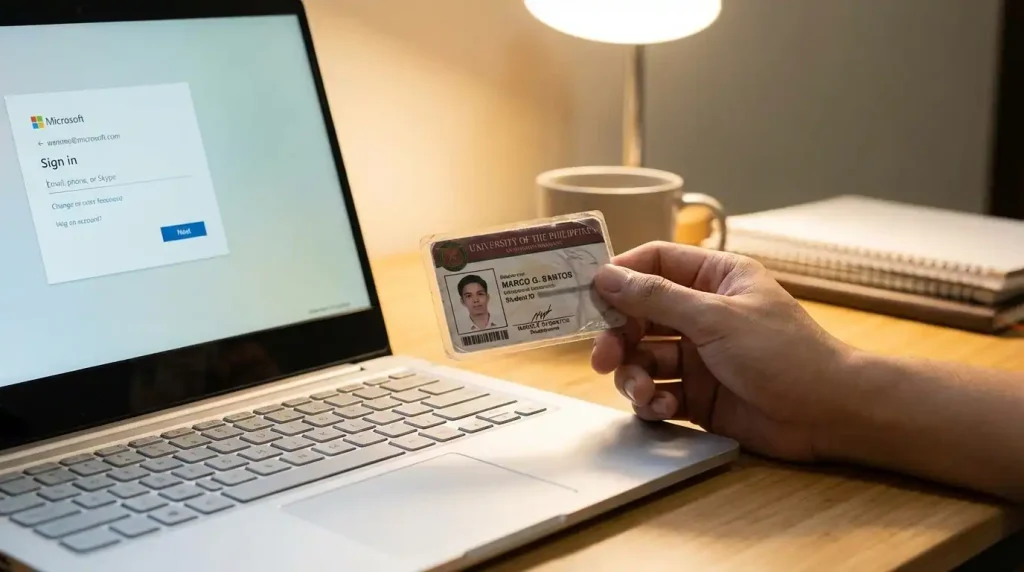
Not every Windows laptop comes fully loaded from the start. Some setups are missing one or two apps, depending on your Windows version. The good news: almost every tool on this list is free and takes under five minutes to find or download.
Check which tools are already on your laptop:
- Search “OneNote” in your Windows search bar
- Search “Clipchamp” in your Windows search bar
- Press Windows + Shift + S to confirm the Snipping Tool works
- Open Word from your Start menu
A quick note on Paint 3D: Microsoft removed it from the Microsoft Store in 2024. If it is already on your laptop, it still works fine. If it is not there, search for Microsoft Paint instead. The regular Paint app got a major update and now handles basic shapes, layers, and transparent backgrounds well enough for most school visual requirements.
If any other tools are missing, here is how to get them:
- Open the Microsoft Store by searching for it in your Windows search bar.
- Search the tool by name, for example, “Clipchamp” or “OneNote.”
- Click Get and install for free with your Microsoft account.
While you are setting up your laptop for school, it is also worth keeping your grades in check. Use this free GWA calculator to track your General Weighted Average every semester, so your academic performance stays as organized as your project workflow.
Keep your tools updated through Windows Update. An outdated app crashing the night before a deadline is a situation nobody has time for.
Quick reference: which tool do you need right now?
Bookmark this. Screenshot it. Send it to your groupmates. This is the only reference you need when a new requirement drops and you have no idea where to start.
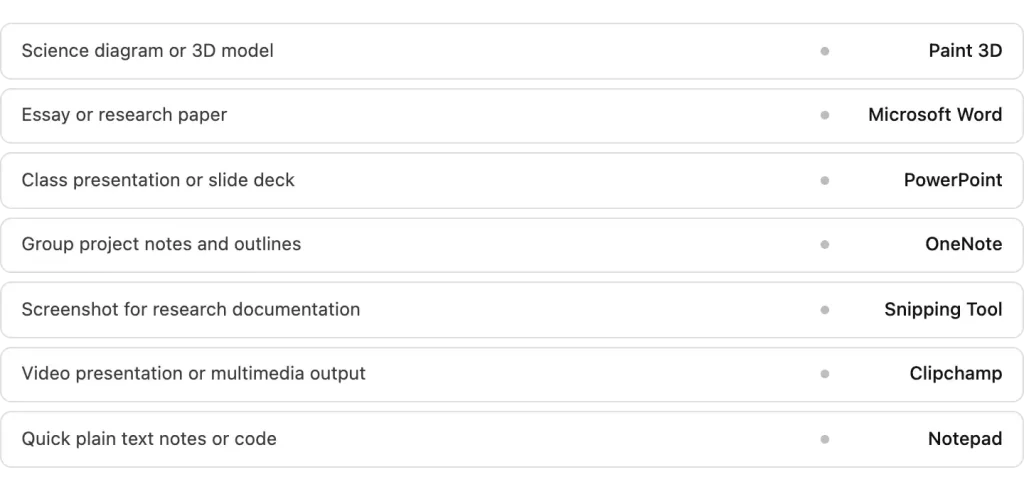
This cheat sheet is the only reference guide you need for free Windows tools as a Filipino student.
Tools comparison: what each one replaces
| Tool | Best Used For | Skill Level | Replaces | Pre-installed? |
|---|---|---|---|---|
| Microsoft Word | Essays, reports, thesis | Beginner | Google Docs Pro, Grammarly | Yes |
| Microsoft PowerPoint | Presentations, slide decks | Beginner | Canva Pro | Yes |
| Microsoft OneNote | Notes, research, group work | Beginner | Notion, Evernote | Yes |
| Paint 3D | 3D diagrams, visual aids, art | Beginner to Intermediate | SketchUp, Illustrator | Yes |
| Snipping Tool | Screenshots, screen recording | Beginner | Loom, Snagit | Yes |
| Clipchamp | Video editing, multimedia | Beginner to Intermediate | Premiere, CapCut Pro | Yes |
| Notepad | Plain text, quick drafts, code notes | Beginner | Any paid text editor | Yes |
FAQs
Conclusion
Student life is expensive enough without paying monthly for software that was already on your laptop. The best students are not the ones with the most expensive tools. They are the ones who know exactly what they already have.
Open your Start menu right now. Search for Paint 3D or OneNote. Pick one tool you have never tried and spend fifteen minutes with it. Your next requirement is already closer to finished than you think.